Schedules
Schedule onboard, offboard, and report jobs to run later on the same technician PC where you created them.
How scheduling works
- Build the job as usual (users, template, delivery options)
- Choose a future run time instead of Run now
- Leave the PC able to run YeetnGreet at that time (powered on, user session / auth as your process requires)
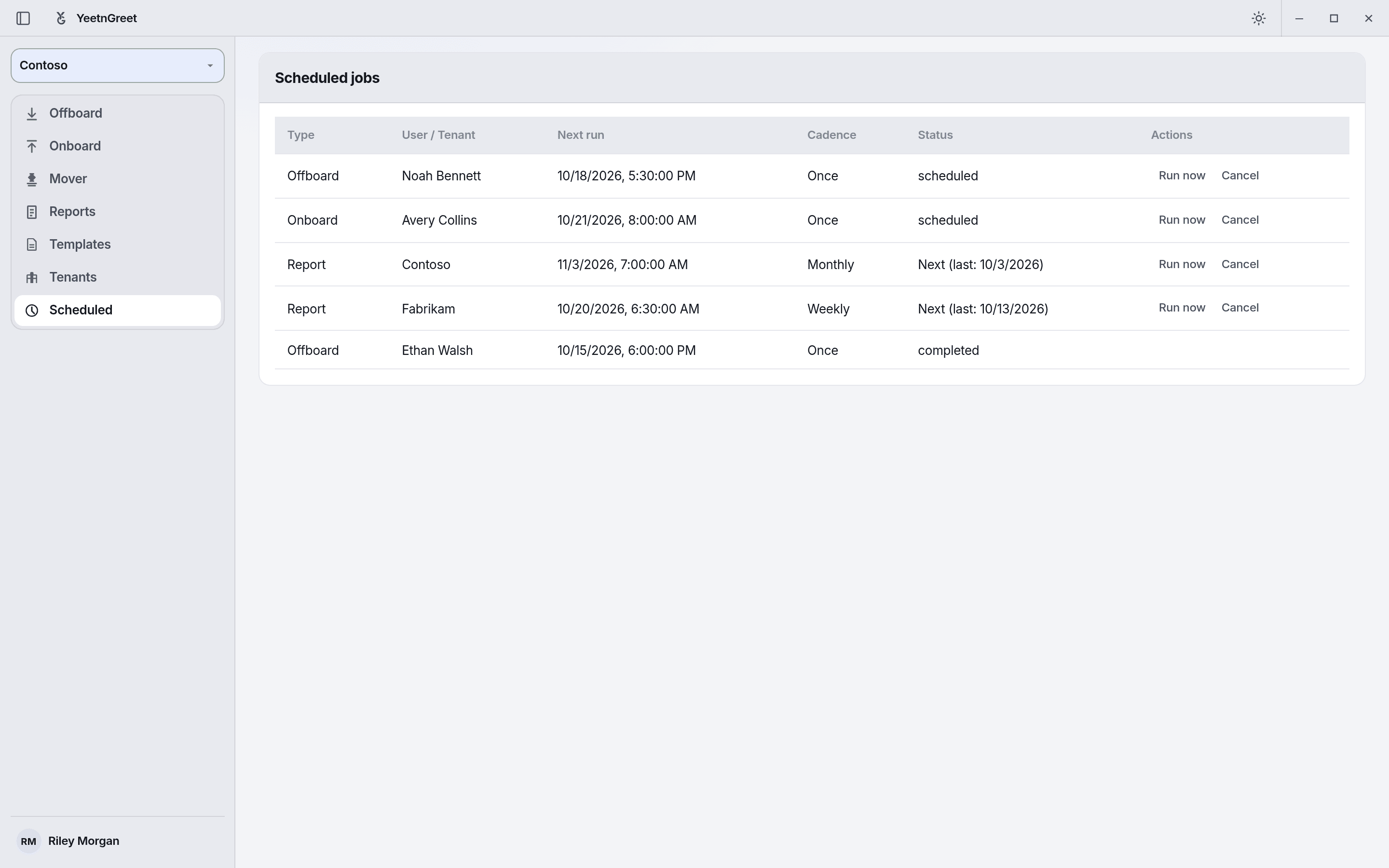 Scheduled jobs on this PC: one-time offboard and onboard runs plus recurring license reports, each with Run now and Cancel.
Schedules are local to the PC
A scheduled job does not run in YeetnGreet’s cloud. If the PC is off or YeetnGreet cannot run, the job will not execute until conditions allow — plan cutovers accordingly.
Good uses
- Friday evening offboards after payroll clears
- Monday morning onboard batches
- Weekly license or unused licenses reports with delivery